.png)
How to remove audio background noise easily
Clear audio is crucial for professional-quality videos, podcasts, and voice recordings
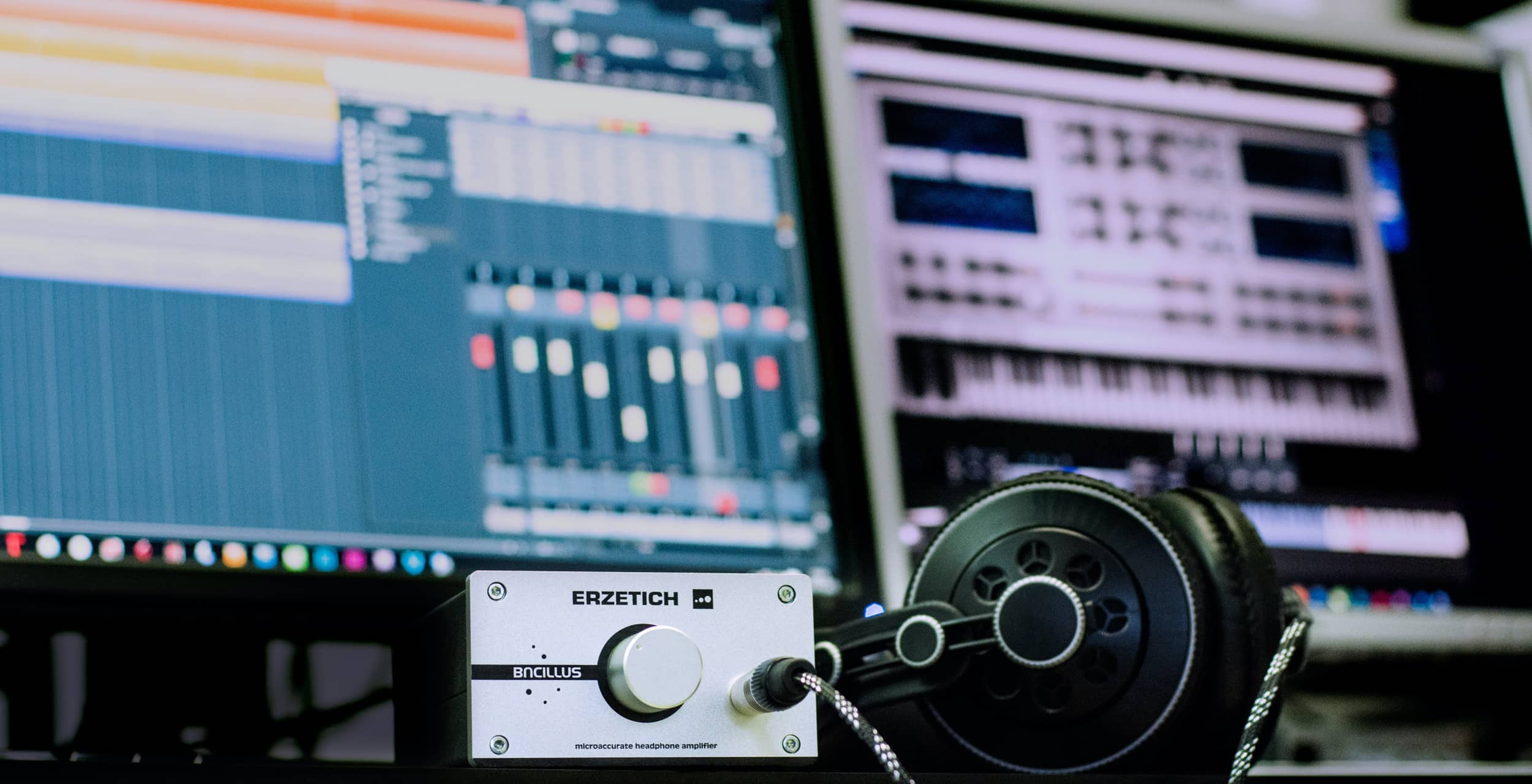
Background noise can distract your audience and lower the quality of your content. Fortunately, there are simple ways to remove unwanted noise without needing expensive equipment. Here’s how you can do it easily and effectively.
1. Use Noise Reduction Software
Several tools can help remove background noise with just a few clicks. These software options analyze the audio and remove consistent background noise like fans, hums, and static:
- Adobe Audition – Features Adaptive Noise Reduction and DeNoise effect for precise control.
- Audacity – Free and powerful, with a Noise Reduction tool that lets you sample the noise and remove it.
- iZotope RX – One of the most advanced AI-driven audio restoration tools, great for professionals.
- DaVinci Resolve Fairlight – Built-in noise reduction for video editors needing high-quality sound.
- Final Cut Pro X & Premiere Pro – Both have built-in noise reduction effects that work well for simple fixes.
To remove noise effectively, find a section of the audio that contains only the unwanted sound, use it to create a noise profile, and then apply reduction across the entire clip.
2. Use AI-Based Online Tools
If you don’t want to install software, several online platforms offer AI-powered noise removal with simple uploads:
- Krisp – Best for live calls and recordings, removes background chatter and keyboard typing.
- Auphonic – Great for automatic volume leveling and noise reduction for podcasts and interviews.
- Veed.io & Descript – Simple online solutions for background noise removal, used by content creators.
These tools work well for quick fixes and require no technical expertise.
3. Apply a Noise Gate
A noise gate silences low-level sounds when there is no speech or primary audio signal. This is helpful for podcasts and voiceovers where the background hum is only noticeable during quiet moments.
- Most DAWs (digital audio workstations) like Logic Pro, FL Studio, and Reaper include a noise gate function.
- Adjust the threshold carefully so that it removes noise but doesn’t cut off speech.
4. Record in a Controlled Environment
Preventing noise is easier than removing it. Here are a few ways to improve your recording setup:
- Record in a quiet room with soft furnishings (curtains, rugs, or foam panels to absorb echo).
- Turn off fans, air conditioning, and other sources of constant noise.
- Use a pop filter and foam windscreen on your microphone to minimize unwanted noise.
- Place your microphone closer to your mouth to capture more direct sound and less background.
5. Use High-Quality Microphones
A good microphone can make a huge difference in reducing background noise naturally. Here are some top choices:
- Shure SM7B – Used by professionals for podcasts and voiceovers due to its noise isolation.
- Rode NT1 – Ultra-low noise and excellent for studio recordings.
- Audio-Technica AT2020 – Budget-friendly and great for clear vocals.
- Blue Yeti – A popular USB mic with built-in noise reduction settings.
For outdoor recordings, lavalier microphones with windshields help reduce wind noise significantly.
6. Manually Edit in a DAW
If noise is persistent, manual editing is the best approach:
- EQ Adjustments – Reduce low-frequency hums (like AC noise) by cutting frequencies below 100Hz.
- Spectral Editing – Adobe Audition and iZotope RX allow you to visualize noise and remove it selectively.
- De-Esser – Helps reduce harsh ‘s’ sounds and microphone hissing.
Manually editing gives the best results but requires some learning.
Final Thoughts
Removing background noise is easier than ever with the right tools and techniques. Whether you use AI-based software, noise gates, or manual editing, improving your audio quality will instantly make your content more professional. The best approach is a combination of noise prevention, proper recording techniques, and post-production cleanup. With practice, you’ll be able to deliver crystal-clear sound every time!

Subscribe to our newsletter
Praesent euismod ullamcorper non facilisis a fames arcu eget fringilla orci enim erat lectus egestas etiam mauris tellus est aenean vel aliquam non.